Microsoft Teams Calling Melbourne — Direct Routing
Make Microsoft Teams your phone system in Melbourne with SIP Connect Direct Routing: PSTN calls in Teams, no SBC to manage. Local setup and support.
If your Melbourne business already runs on Microsoft Teams, you don't need a second app for phone calls. With Microsoft Teams Direct Routing, your team makes and takes real phone calls — to mobiles, landlines and 1300 numbers — straight from the Teams app they already use every day. SIP Connect is a Greensborough-based telco, set up in Greensborough Plaza, and we get Teams calling working for businesses right across north-east Melbourne and the wider metro. Real local humans, no offshore call centre, no robots.
We're vendor-neutral, so we won't push you onto Teams if it isn't the best fit. If a 3CX phone system or a hosted PBX suits your setup better, we'll say so. But when you're already invested in Microsoft 365, Direct Routing is usually the cleanest way to turn Teams into a full business phone system.
Direct Routing, end to end
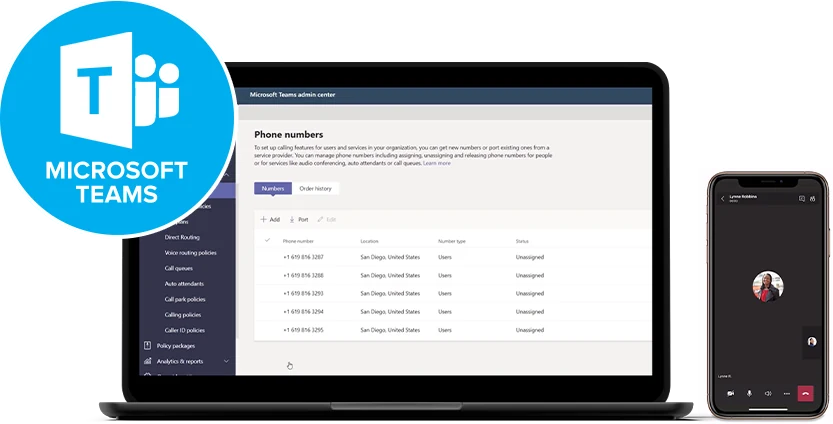
Teams becomes your phone system, and the calls run over our SIP trunks instead of Microsoft’s calling minutes.
- 1
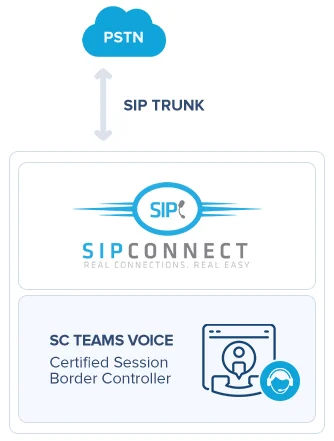
Your numbers and the PSTN
Your 1300, 1800 and local numbers stay yours. They reach Microsoft through a SIP trunk into our certified Session Border Controller — no Microsoft Calling Plan, no per-minute Microsoft rates.
- 2
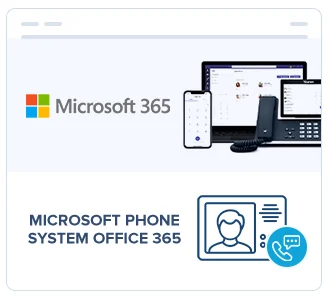
Microsoft Phone System
The Phone System licence in Microsoft 365 turns Teams into your PBX — call queues, auto attendants, transfer, hold and voicemail, administered where your IT already lives.
- 3
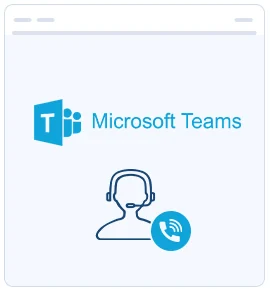
Teams on every device
Your team makes and takes calls in the Teams app they already use — desktop, browser or mobile — plus Teams-certified desk phones where a handset still makes sense.
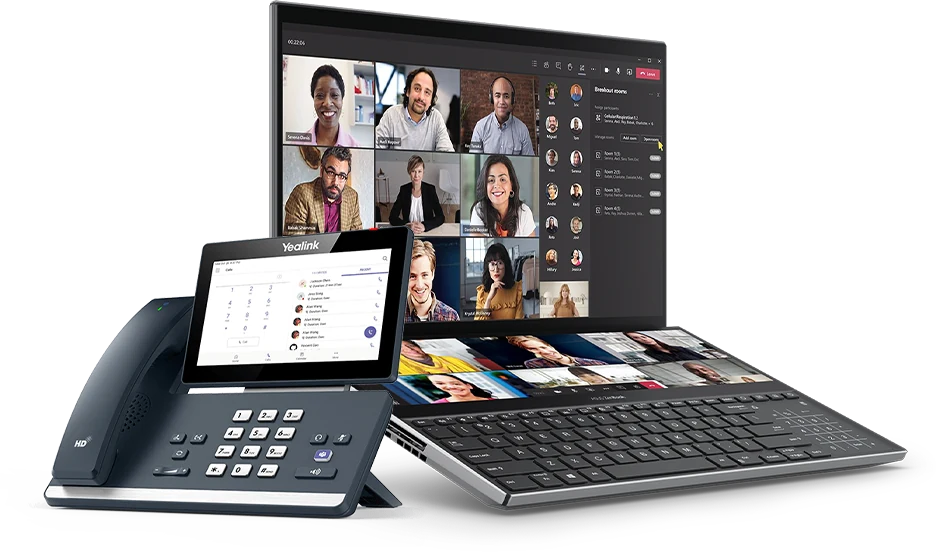
What you get
- Meetings and calls in one appNo second dialler to learn or licence.
- Calls over your own SIP trunksAustralian rates, not Microsoft calling minutes.
- Keep every existing numberPorted across, ringing in Teams on cutover day.
- Desk, desktop and mobileThe same extension wherever your people are.
- Hold, transfer and parkFull call handling, not just person-to-person calls.
- Call recordingOn the queues and users you choose, retained as you decide.
- Voicemail to emailTranscribed and delivered to the inbox.
- Video and conferencingBuilt into the licence you already pay for.
- Presence and call queuesSee who is free before you transfer a caller.





Microsoft, Microsoft 365 and Microsoft Teams are trade marks of Microsoft Corporation. Yealink is a trade mark of Yealink Network Technology.
Which phone system fits your business?
We're vendor-neutral, so here's the honest shortlist. Not sure which to pick? A free bill analysis sorts it in minutes.
3CX
- Licensed by simultaneous calls, not users
- Free inter-office & branch calls
- Video for up to 250 people + live chat
Microsoft Teams
- Make & take calls inside Teams
- Direct Routing — no SBC to manage
- One app for chat, meetings & calls
Hosted PBX
- Enterprise features in the cloud
- Nothing to rack or maintain
- Add or remove users with a call
Based in Greensborough, serving Melbourne
We're a short drive from your office — and we connect and support businesses right across north-east Melbourne, the CBD and beyond.
Why Melbourne businesses choose Direct Routing
Microsoft Teams on its own can't reach the public phone network. Direct Routing connects it — giving every user a proper phone number and a dial pad inside Teams, on desktop and mobile. The best part: there's no SBC for you to manage. We handle the session border controller and the carrier connection at our end, so you get a clean Teams calling service without a box to babysit or extra hardware in your office.
Pair it with our SIP trunks to replace ageing ISDN or PSTN lines, and you've got HD business VoIP running over Teams. Need inbound numbers with IVR and multi-branch routing? Our 1300 and 1800 numbers drop straight in.
Local, fast and built to save you money
Here's what working with a local Melbourne telco actually gets you:
Installed in days, not weeks
most phone systems are up and running the same day or next.
A free bill review first
ours have identified savings of up to 65%.
Over 80 years combined experience
and a 5.0 Google rating.
We're not the cheapest self-serve box you set up alone. We win on done-for-you service — local people you can actually drive to in Greensborough, who set it up, manage it and pick up the phone when you call. That's Real Connections. Real Easy.
Want to see what Teams calling would cost — and what you'd save? Get in touch on 1300 747 266 or email sales@sipconnect.com.au, and we'll run the numbers for free.
Frequently asked questions
Do I need extra hardware for Teams Direct Routing?
No. There's no SBC for you to manage — we handle the session border controller and carrier connection at our end. You just use the Teams app you already have on desktop and mobile.
How quickly can you set up Teams calling in Melbourne?
Fast. We install phone systems in days, not weeks in most cases, and being Greensborough-based means north-east Melbourne businesses get genuinely local support.
How much will it cost — and could it save us money?
Our bill reviews have identified savings of up to 65%. Send us a recent bill and we'll show you the numbers before you commit.
What if Teams isn't the right fit for us?
Then we'll tell you. We're vendor-neutral, so if a 3CX system or hosted PBX suits you better, we'll recommend that instead. You can compare all your options on our business phone systems page.
Business phones & internet across Melbourne
Greensborough is home, but we connect and support businesses right across Melbourne and beyond. A few of the areas we cover:
Business phones & internet for Melbourne business
Get a free bill analysis — and stop overpaying
Send us a recent phone or internet bill. We’ll show you exactly where the waste is — our bill reviews have identified savings of up to 65%.